How to Find Old Videos and Program Pages That Disappeared After a Broadcaster Reorganization
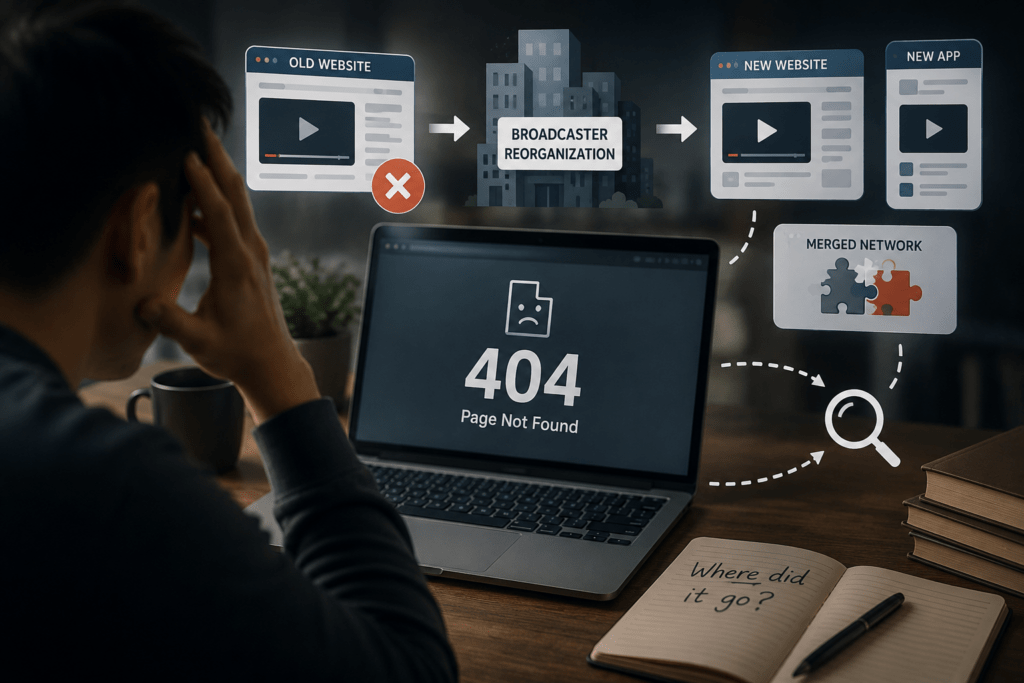
A missing program page does not necessarily mean that the broadcast has been erased. When a broadcaster redesigns its website, merges services, changes its video platform, or replaces an old application, thousands of existing links can stop working at once. The program may still exist under a new address, inside a separate archive, on a licensed streaming service, or only as a catalog record.
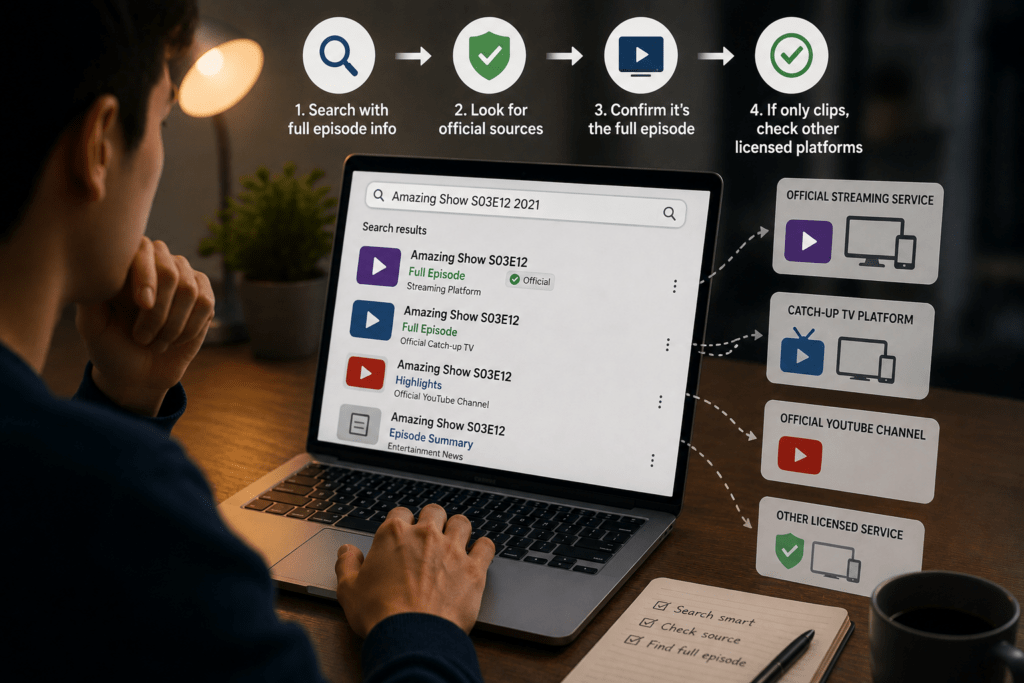
The search becomes much easier when the missing page is treated as an identification problem rather than a hunt for any video carrying a similar title. First reconstruct the program’s original details. Then trace the former URL, search the broadcaster’s current systems, and consult institutional archives. Only after those steps should unofficial uploads be used as clues.
This order helps distinguish a page migration from a rights-related removal and reduces the risk of mistaking an incomplete clip or unauthorized copy for the original broadcast.
Rebuild the Identity of the Missing Program
Gather every detail that can identify the program before beginning a broad search. The title alone is often insufficient, especially for daily news segments, long-running entertainment shows, local broadcasts, and programs whose English titles differ from their original names.
Record the broadcaster, channel, program title, original-language title, broadcast year, approximate air date, episode number, season, guests, presenter, subject, and any memorable phrase from the episode. Save related press releases, schedule pages, news articles, social posts, and forum discussions that mention the broadcast.
The old page address is particularly valuable, even when it now returns a 404 error. Broadcaster URLs often contain identifiers that remain useful after the visible page disappears. Look for an episode number, program code, date, category name, video ID, or title slug inside the address.
For example, an old URL might contain a structure resembling:
/program/replay/episode/20180417/1256
Even if the address no longer opens, the date and numerical ID can be searched separately. A new system may preserve the same content identifier inside a different URL structure.
Browser history, saved messages, email newsletters, old documents, and social bookmarks may contain earlier links. Search the complete URL in quotation marks, then try the program title with the date, guest, episode number, or distinctive subject.
Use the most specific combination available. A search for a common program title may return thousands of results. Adding a guest name and year can reduce the results to a single episode.
Treat the Old URL as Evidence
Open the original address before assuming that it is permanently broken. Some broadcasters maintain redirects from old pages to their replacements. If the page redirects, record both addresses and confirm that the new page refers to the same episode rather than the current program homepage.
When no redirect exists, enter the old URL into the Internet Archive’s Wayback Machine. The service allows users to search archived websites by URL and inspect captures from selected dates. Its calendar can be used to locate versions saved before and after a broadcaster’s redesign.
Begin with a capture made shortly before the page stopped working. Earlier copies may use a different title or contain incomplete episode information, while later captures may show the first redirect or migration notice.
An archived page can preserve details such as:
- The exact episode title and broadcast date
- Program descriptions and guest names
- Episode lists and navigation labels
- Thumbnail images
- Former video identifiers
- Links to related clips or program pages
- Notices about service migration
The original player may not function inside the archived page. Video files, login systems, scripts, and dynamically loaded content are not always preserved with the surrounding webpage. The archived text and page structure can still supply enough information to continue the search.
Follow archived links carefully. A program homepage may lead to an episode list, and the episode list may reveal the old naming format used by the broadcaster. If an internal link fails, copy its archived URL and search it separately.
Compare captures from both sides of the reorganization date. A page saved before the redesign may show the original episode record, while a later capture may announce that replay services have moved to another platform.
Search the Broadcaster’s Current Systems First
Once the program has been identified, search the broadcaster’s present website rather than repeatedly reopening the old address.
Broadcasters often separate current programming, catch-up television, news clips, historical archives, and licensing services. A program absent from the main navigation may still appear in a VOD database or archive search.
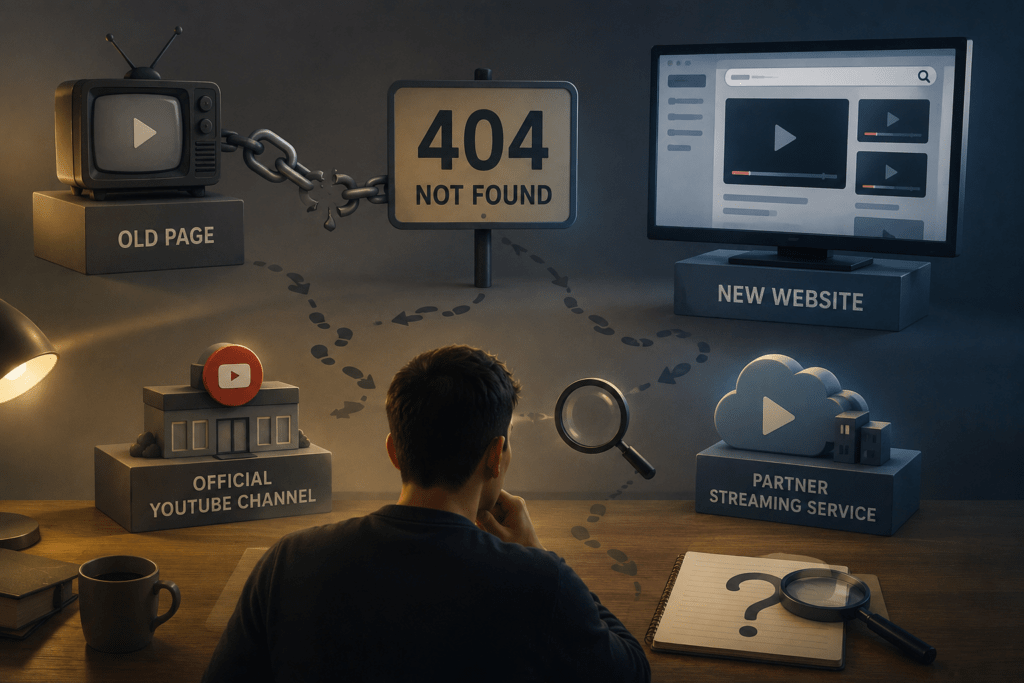
Try the exact episode title first. Follow it with searches using the program code, air date, guest, and former video ID. Search both the broadcaster’s website and its official video channels. Some organizations retain program information on their own site while moving playable clips or full episodes to an official YouTube channel or another licensed service.
Do not assume that every archive is designed as a free public streaming library. An official archive may provide descriptions, still images, production records, research access, or licensing services without offering the complete video to ordinary viewers.
KBS operates an archive devoted to collecting, preserving, and presenting material connected to Korean broadcasting. Its archive pages also direct visitors to historical programs and specialized collections.
MBC Archive describes its service as providing access to material from MBC programming produced since the broadcaster’s establishment in 1961. Its membership and service structure indicate that some archive functions are intended for businesses, schools, public institutions, and other approved users rather than functioning only as a public replay site.
These services remain useful even when immediate playback is unavailable. A catalog entry can confirm the official title, production year, episode date, performers, and whether the broadcaster still holds archival material.
Also inspect current program directories, replay pages, mobile applications, official social accounts, and help notices. A broadcaster may have moved older videos to a new VOD service while leaving no automatic redirect from the former pages.
Public Archives Can Preserve the Historical Record
Programs of historical, documentary, educational, or public-interest value may survive in an institutional archive even after disappearing from the broadcaster’s consumer website.
The American Archive of Public Broadcasting is a collaboration involving GBH and the Library of Congress. It was established to identify, preserve, and make accessible the historical record of publicly funded radio and television in the United States. Its catalog includes material from public media stations and archival organizations across the country.
Some records provide online audio or video, while others offer metadata that confirms a program’s existence and identifies the contributing station. The AAPB search system also includes records for material that has been preserved or cataloged but is not necessarily available for unrestricted online playback.
Search public archives using the program title, broadcaster, producer, presenter, subject, and approximate date. A documentary may be cataloged under the name of its production company rather than the series title remembered by viewers.
National libraries, university media collections, film institutes, local history archives, and broadcasting museums may hold additional records. Their catalogs can contain transcripts, scripts, photographs, production documents, or physical recordings that are unavailable through ordinary streaming services.
A catalog record should not be dismissed because it lacks a play button. It can establish the correct title, date, creator, duration, and holding institution. Those details may lead to a legal viewing copy, research appointment, licensed edition, or future digitization project.
A Missing Player May Signal Expired Rights
A program page can remain online while the video disappears. This usually indicates an access or licensing issue rather than a lost database record.
Broadcast rights and online streaming rights are not always the same. A broadcaster may have permission to show a program on television for a certain period without holding permanent rights to stream it online. Music, archive footage, sports coverage, performers’ agreements, international distribution, and third-party productions can all affect how long a replay remains available.
PBS explains that some programs must be removed after their online streaming rights expire. It may retain a show page, clips, previews, or program information even when the full episode can no longer be played. PBS also notes that streaming rights must be obtained separately from television broadcast rights and may vary by program, season, or episode.
This distinction changes the next step. If the program page and episode metadata remain visible but the player says the video has expired, further searches for a new URL on the same site may not help. Look instead for a licensed subscription service, digital purchase, physical release, official rebroadcast, or another distributor that currently holds the rights.
Regional access should also be separated from permanent removal. A video may be available only in the broadcaster’s home country or through a participating local station. Test the official page while signed in and read the exact warning rather than assuming that a blank player means deletion.
When evaluating free replay services, the viewing experience may also depend on advertising, episode availability, and platform restrictions. The criteria in Criteria for Comparing Ad Time and Actual Viewing Time on Free Ad-Supported Catch-Up Services can help determine whether a newly located service provides a practical replacement for the former broadcaster page.
Do not use location-masking tools to evade licensing restrictions. A regional block may reflect the broadcaster’s legal distribution rights, and changing the apparent location does not establish permission to access the program.
Unofficial Copies Are Leads, Not Final Sources
Unofficial uploads can help recover an original title, broadcast date, episode number, or guest name. A short clip may preserve a title card that no longer appears on the broadcaster’s website. A community post may contain the former URL or mention where the replay moved.
Use this material as a research lead rather than proof that the copy is complete, accurate, or authorized.
Reuploads may be shortened, rearranged, mislabeled, translated incorrectly, or combined with footage from another episode. The uploader may also remove credits and station identifiers. Compare any recovered information with a broadcaster archive, program schedule, press release, library catalog, or other official record.
Do not assume that an old recording is in the public domain merely because it appears on a video-sharing site. The underlying broadcast, music, performances, graphics, and footage may remain protected. Rights should be confirmed before quoting substantial portions, embedding the video, downloading it for redistribution, or using it in another production.
When an unofficial upload provides the only surviving clue, record the channel name, upload title, description, visible station logo, stated broadcast date, and any episode information shown in the footage. Then continue the search through official and institutional sources.
Contact the Broadcaster With a Precise Record
Broadcaster support teams are more likely to help when the request identifies one specific program.
Include the original and translated titles, broadcaster, channel, approximate air date, episode number, guests, old URL, and any archived page you found. State the country from which you are trying to view the program because availability may depend on regional rights.
Ask focused questions:
- Was the program moved to a new VOD system?
- Does a current official program page exist?
- Is the episode held in the broadcaster’s archive?
- Did the online streaming rights expire?
- Is another licensed distributor offering it?
- Can researchers or educational users request archive access?
Do not ask the broadcaster to send an unofficial private copy. The archive may hold the recording without having permission to distribute it to the public.
If the program concerns a historic event, public policy, or local community, contact the broadcaster’s archive or research department rather than general technical support. A broken consumer webpage and an archival access request are handled by different teams.
Preserve the Search Record
Keep a short record of everything confirmed during the search. Include the official title, air date, episode number, former URL, archived capture, current program page, rights status, and any institution holding the material.
This record remains useful even when the full video cannot be watched immediately. Streaming rights can be renewed, programs can be rebroadcast, and archives may digitize additional holdings. An accurate episode identity makes future searches much faster.
A successful search does not always end with a playable video. Sometimes the best result is confirmation that the program survives in an archive but is not currently licensed for online viewing. In other cases, the evidence may show that the page moved and the recording remains available under a new title or service.
The key is to separate those outcomes. A broken bookmark proves only that the old address no longer works. It does not prove that the broadcast itself has disappeared.